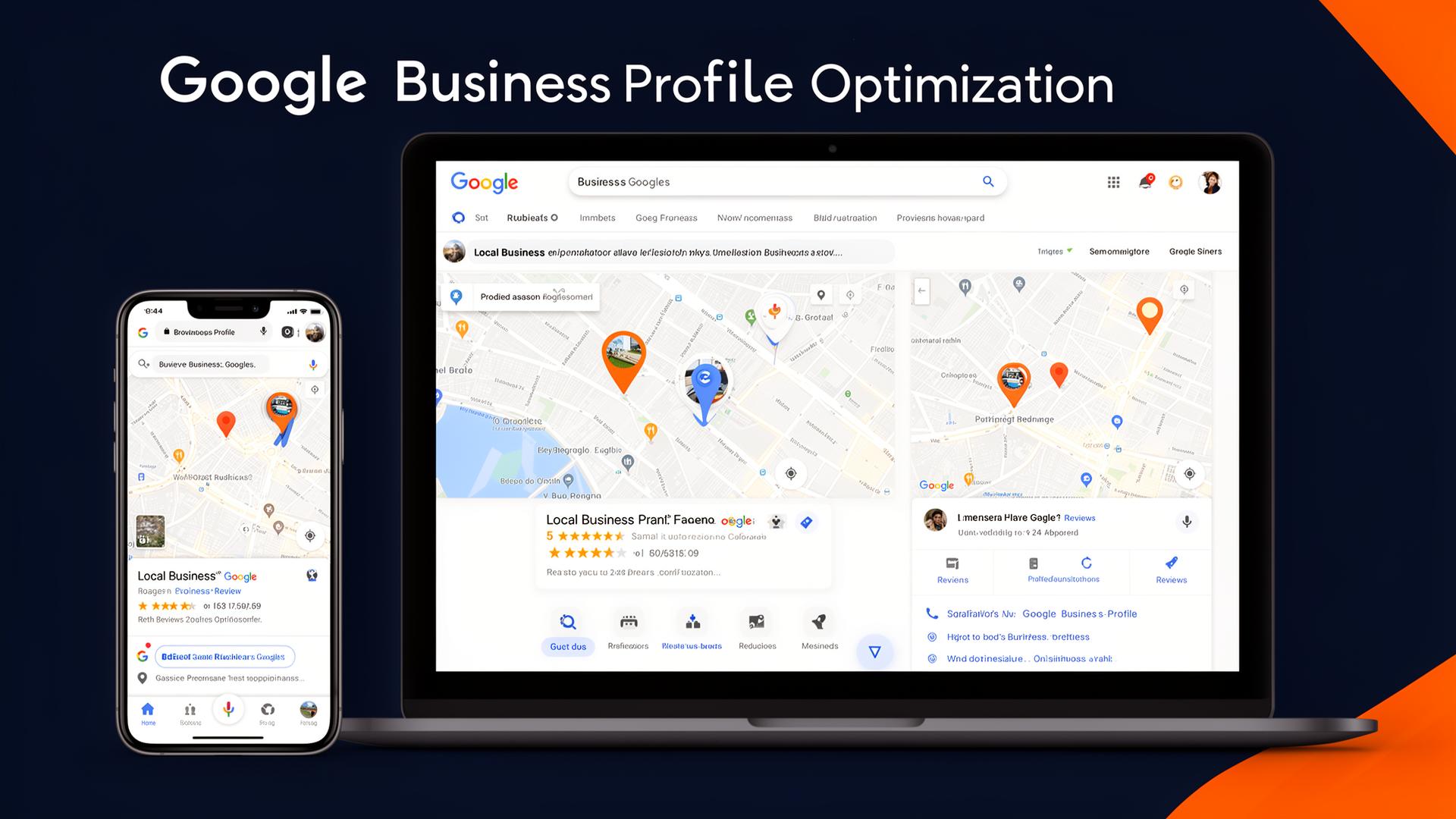
For any business aiming to thrive in today's digital landscape, a stellar online presence is non-negotiable. And when it comes to local visibility, nothing is quite as impactful as your Google Business Profile (GBP). As we look to 2025, optimizing this critical tool is more important than ever for capturing local customers and dominating the local search results. This comprehensive guide will walk you through every essential step for GBP optimization, ensuring your business stands out on Google Search and Google Maps.
The Foundation: Setting Up and Verifying Your Google Business Profile
Before you can optimize, you need a robust foundation. Your Google Business Profile (formerly Google My Business) is your free local business listing offered by Google.
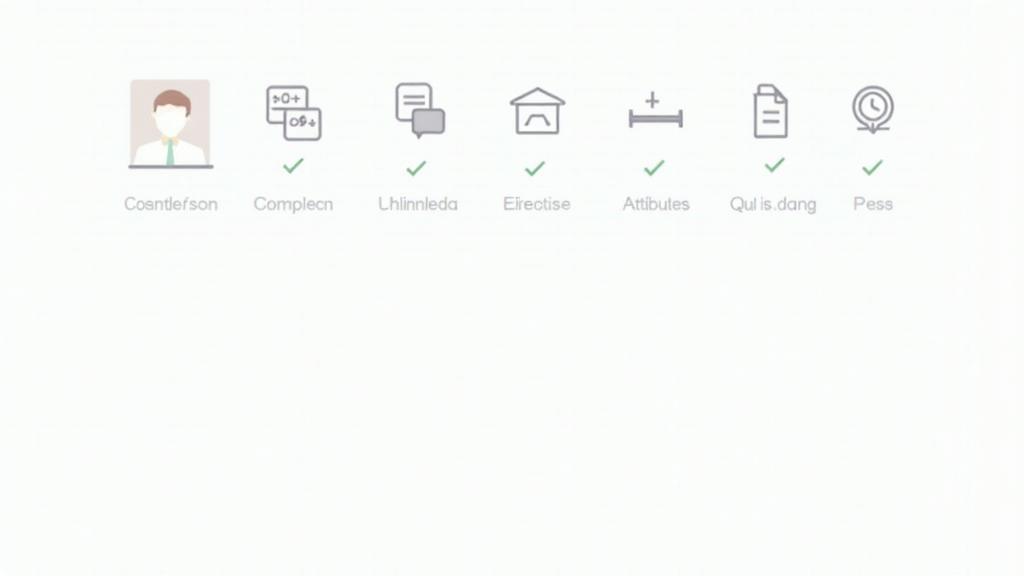
Initial Setup and Verification
- Claim Your Profile: Head to business.google.com and either claim your existing business or create a new one.
- Accurate Basic Information: Fill in all requested fields meticulously. This includes your business name, address, phone number, and website.
- Verification: Google offers several verification methods, including postcard by mail, phone, or email. Choose the most convenient and complete this step promptly. An unverified profile will not appear in search results.
NAP Consistency: The Cornerstone of Local SEO
NAP consistency – Name, Address, Phone Number – is paramount for local SEO. Google cross-references this information across the web to confirm your business's legitimacy and accuracy.Why NAP Consistency Matters
Inconsistent NAP data can confuse Google, leading to lower rankings in the local pack and reduced visibility on Google Maps ranking. Ensure your business information is identical across:- Your Google Business Profile
- Your website
- All social media profiles
- Online directories (Yelp, Yellow Pages, etc.)
- Local citations
Strategic Category Selection
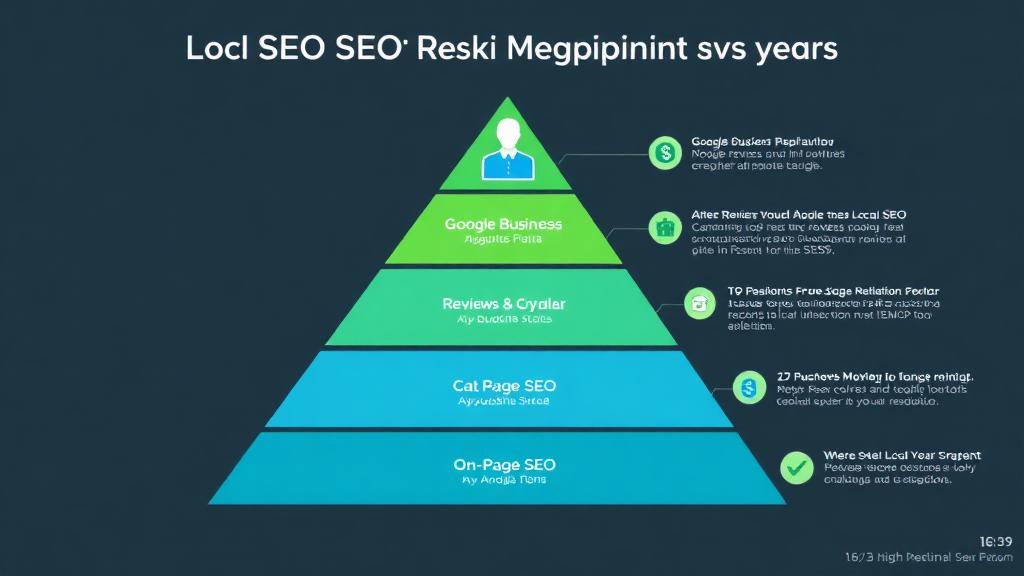
Categories tell Google what your business does. This is one of the most critical ranking factors for your Google Business Profile.
Choosing Primary and Additional Categories
- Primary Category: Select the single most accurate category that describes your core business function. This holds the most weight. For example, a restaurant that specializes in pizza should choose "Pizza Restaurant" over "Restaurant."
- Additional Categories: Add up to nine more categories that accurately represent other services or products you offer. Be specific and relevant. Don't add categories just for the sake of it – choose ones that genuinely fit your business.
Crafting a Compelling Business Description
Your business description is your chance to tell potential customers more about what makes your business unique in up to 750 characters.
- Highlight Key Offerings: Briefly describe your products, services, and what sets you apart.
- Incorporate Keywords Naturally: Weave in relevant keywords that describe your business and industry, but avoid keyword stuffing.
- Focus on Benefits: Instead of just listing features, explain how your business benefits customers.
- Call to Action (Subtle): You can include a soft call to action, like "Visit our website for more details!"
Visual Appeal: Photos and Videos
High-quality visuals significantly increase engagement and build trust. Think of your Google Business Profile as your digital storefront.
Optimizing Your Visual Content
- Profile Photo: Your logo is typically the best choice here.
- Cover Photo: Choose an appealing image that best represents your business's brand and atmosphere.
- Interior/Exterior Photos: Showcase your location, ensuring they are well-lit and professional.
- Product/Service Photos: High-resolution images of your offerings are crucial.
- Team Photos: Humanizing your business can build rapport.
- Videos: Short (30-second max) videos can be incredibly effective for showcasing your business's atmosphere, processes, or unique selling points.
- Geo-tagging: While debated, some SEO professionals recommend geo-tagging your photos with your business's location before uploading them.
Engaging Your Audience with Google Posts
Google Posts are mini-blog posts or updates that appear directly in your Google Business Profile. They are a powerful tool for driving engagement and informing potential customers.Developing a Google Posts Strategy
- Promote Offers & Events: Announce sales, discounts, new product launches, or upcoming events.
- Share Updates: Inform customers about holiday hours, temporary closures, or operational changes.
- Highlight Content: Link to new blog posts, videos, or key pages on your website.
- Regularity: Post consistently (at least once a week) to maintain visibility and show Google your profile is active.
- Call to Action: Always include a relevant call to action (e.g., "Learn more," "Order now," "Call us").
- Use Images/Videos: Posts with visuals get significantly more engagement.
Proactive Q&A Management
The Q&A section allows users to ask questions directly on your Google Business Profile, and anyone can answer them. This can be a goldmine of information or a potential pitfall if unmanaged.
Strategies for Q&A
- Monitor Regularly: Check for new questions and answers frequently.
- Answer Promptly and Accurately: Provide helpful, concise responses directly from your business.
- "Seed" Questions: Post frequently asked questions yourself and provide official answers to control the narrative and highlight important information.
- Correct Misinformation: If a user posts an incorrect answer, flag it or provide the correct information from your business account.
- Incorporate Keywords: Naturally weave in relevant keywords in your answers where appropriate.
The Power of Reviews: Generation and Response
Customer reviews are one of the most influential factors in purchasing decisions and heavily impact your Google Maps ranking and overall local search visibility. Review management is essential.
Generating More Reviews
- Ask Directly: Don't be afraid to ask satisfied customers for reviews.
- Create a Direct Link: Provide a short, easy-to-use link directly to your Google review page.
- Integrate into Processes: Make asking for reviews part of your checkout or service completion process.
- In-store Prompts: Use QR codes or small signs encouraging reviews.
- Email Signatures/Website: Include a review link in your email signature or on a dedicated page on your website.
- Avoid Incentives: Google strictly prohibits offering incentives for reviews.
Responding to Reviews
- Respond to All Reviews: Positive, negative, and neutral – respond to every review. This shows you value customer feedback.
- Personalize Responses: Avoid generic, canned replies. Address the reviewer by name and refer to their specific experience.
- For Positive Reviews: Thank them and reiterate what they enjoyed.
- For Negative Reviews:
Leveraging Attributes
Attributes provide additional, specific information about your business, helping customers easily find what they're looking for.
Optimizing Your Attributes
- Explore All Options: Google offers various attributes depending on your business category (e.g., "Wheelchair accessible," "Free Wi-Fi," "Outdoor seating," "Women-led").
- Be Accurate: Only select attributes that genuinely apply to your business.
- Update as Needed: If your services or amenities change, update your attributes accordingly.
Detailing Products and Services
Beyond categories, you can provide more granular detail about your offerings directly on your Google Business Profile.
Maximizing Products & Services
- Products: If you sell physical products, list them with descriptions, prices, and high-quality images. This creates a mini-catalog directly on your profile.
- Services: Clearly outline the services you offer, including descriptions and (optional) pricing. This helps customers quickly understand your capabilities.
- Keyword Rich Descriptions: Use keywords naturally within your product/service descriptions.
Streamlined Operations: Booking Integration and Messaging
These features enhance customer convenience and can drive conversions.
Implementing Booking and Messaging
- Booking Integration: Connect third-party booking providers (if applicable) directly to your GBP, allowing customers to book appointments or make reservations right from your profile.
- Messaging: Enable Google's messaging feature to allow customers to text your business directly. This caters to instant communication preferences.
Monitoring Performance with Insights
Google Business Profile Insights provides valuable data on how customers interact with your listing. Analyzing these insights is crucial for refining your GBP optimization strategy.
Key Metrics to Track
- How customers search for your business: Direct vs. Discovery searches.
- Where customers view your business: Search vs. Maps.
- Customer actions: Website clicks, direction requests, phone calls, messages.
- Photo views: Compare your photo views to competitors'.
- Popular times: Understand peak customer activity.
Common Mistakes to Avoid in 2025
Even with the best intentions, businesses can fall into common GBP pitfalls.
- Incomplete Profiles: A partially filled-out profile sends a signal of neglect.
- Inconsistent NAP Data: As mentioned, this is a major red flag for Google.
- Neglecting Reviews: Not responding, or worse, not generating reviews, can significantly harm your reputation.
- Outdated Information: Keep hours, services, and contact details current.
- Keyword Stuffing: Avoid unnaturally forcing keywords into your business name or description. This can lead to penalties.
- Ignoring Google Posts: Missing out on a free and direct communication channel.
- Fake Reviews: Never engage in practices that violate Google's review policies.
- Ignoring Insights: Failing to track and adapt based on performance data.
Conclusion: Your Roadmap to Local Search Dominance
Optimizing your Google Business Profile is an ongoing process, not a one-time task. By meticulously following this 2025 checklist – from ensuring NAP consistency to actively managing review management and leveraging Google Posts – you'll significantly enhance your visibility in local search, improve your Google Maps ranking, and attract more customers through effective business listings.
At ZORO Marketing, we specialize in helping businesses like yours master their local digital presence. Don't let valuable local leads slip away. Contact us today for a comprehensive Google Business Profile audit and strategy session to ensure your business is fully optimized for success in 2025 and beyond!